InVideo AI Review 2026: The Ultimate Text-to-Video Tool for Creators?

🧠 What is InVideo AI?

InVideo AI Review 2026: AI video tools are everywhere right now. From YouTube automation to TikTok content, creators are looking for faster ways to produce videos without spending hours editing.

But here’s the real question:

👉 Can you actually create high-quality videos using AI… without learning complex software?

That’s where InVideo AI comes in.

In this review, we’ll break down what InVideo AI does well, where it falls short, and whether it’s actually worth using in 2026.


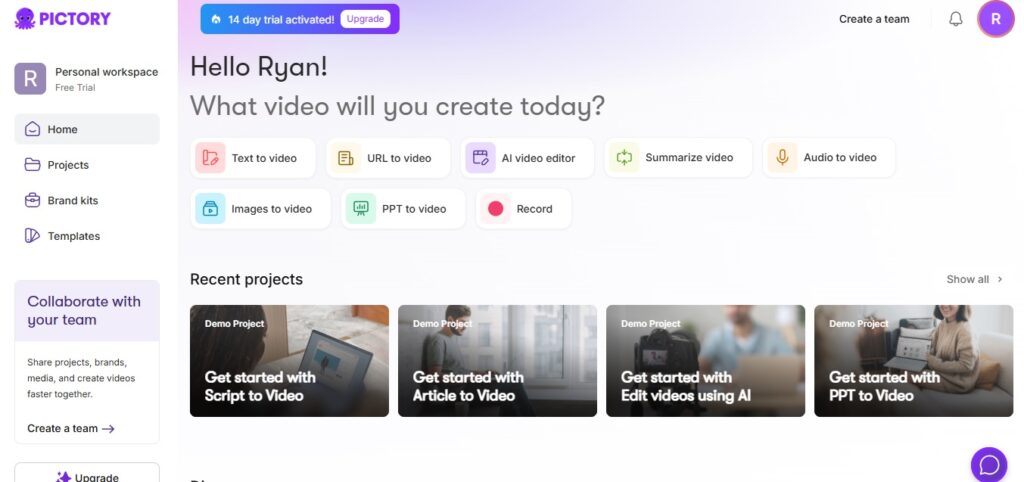
If you’re exploring AI tools for content creation, it’s also worth checking out tools like Pictory for video repurposing and ElevenLabs for ultra-realistic voiceovers.

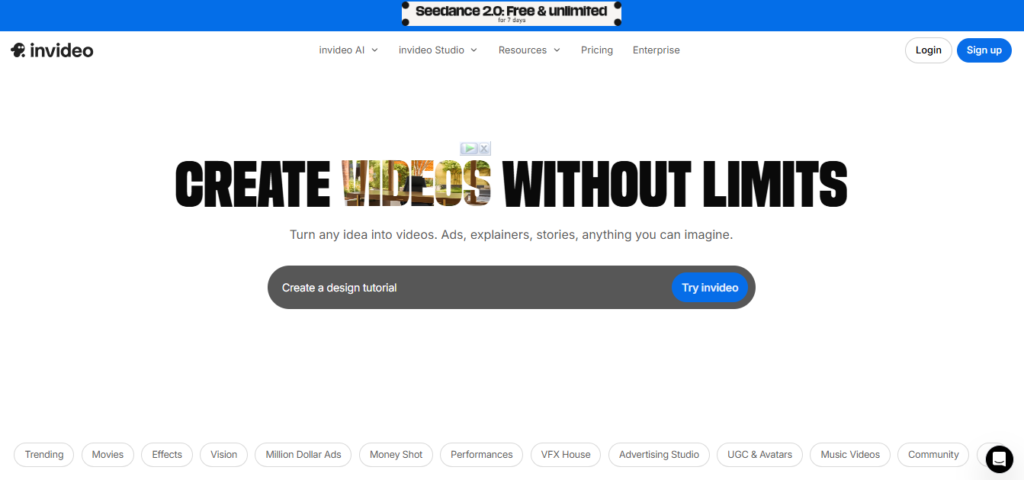
Invideo AI Review 2026

InVideo AI is an AI-powered video creation tool that lets you turn simple text prompts into complete videos.

Instead of manually editing clips, adding voiceovers, and syncing everything…

👉 You just type what you want
👉 The AI generates the video for you

It handles:

  • script generation
  • visuals
  • voiceover
  • transitions

All in one workflow.

⚙️ Key Features of InVideo AI

Let’s look at what actually matters.

🎬 1. Text-to-Video Generation

This is the main feature.

You enter a prompt like:

“Create a YouTube video about side hustles in 2026”

And InVideo AI generates:

  • full script
  • matching visuals
  • background music
  • AI voiceover

👉 It’s not perfect, but it’s surprisingly usable.

🎤 2. AI Voiceovers

InVideo AI includes built-in voice generation.

While not as advanced as tools like ElevenLabs, it’s good enough for:

  • faceless videos
  • quick content
  • social media clips


While InVideo AI offers built-in voiceovers, tools like ElevenLabs provide significantly more realistic and natural-sounding voices.

🎞️ 3. Stock Media Library

You get access to:

  • video clips
  • images
  • background music

👉 This saves a lot of time (and money)

✏️ 4. Easy Editing Interface

Even after AI generates the video, you can:

  • edit text
  • replace clips
  • adjust timing

👉 No steep learning curve

👍 Pros and Cons

✅ Pros

  • very beginner-friendly
  • fast video creation
  • all-in-one workflow
  • no editing experience required

❌ Cons

  • limited control compared to pro tools
  • AI output sometimes needs tweaking
  • voice quality not top-tier

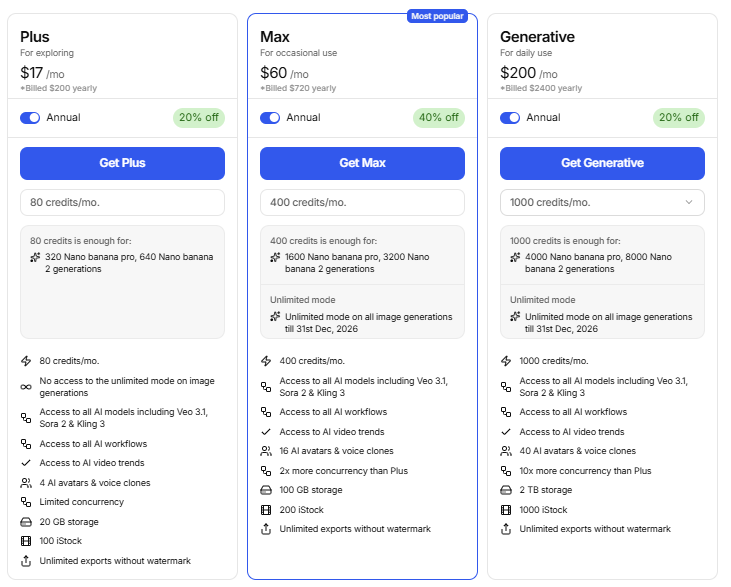
💰 Pricing

InVideo AI offers multiple plans depending on usage.

Typically includes:

  • free plan (limited exports)
  • paid plans with more credits and features

👉 Pricing is reasonable for beginners, but heavy users may need higher plans.

Invideo Pricing

🔍 InVideo AI vs Other Tools

Here’s where things get interesting.

👉 vs Pictory

  • Pictory is better for repurposing content
  • InVideo AI is better for generating videos from scratch

If your goal is to turn blog posts or long videos into short clips, Pictory is often a better choice than InVideo AI.

👉 vs Runway ML

  • Runway is more advanced
  • InVideo is simpler and faster

👉 vs ElevenLabs

  • ElevenLabs = better voice quality
  • InVideo = all-in-one solution

For creators who care about voice quality, pairing InVideo AI with ElevenLabs can significantly improve the final output.

🎯 Who Should Use InVideo AI?

This tool is best for:

  • beginners
  • YouTube automation creators
  • social media marketers
  • faceless content creators

If you want something quick and simple…

👉 this is a solid choice

🚀 Real Use Cases

People are using InVideo AI for:

  • YouTube videos
  • TikTok/Reels
  • explainer videos
  • marketing content

👉 Basically anywhere video is needed fast

🧠 Final Verdict

InVideo AI isn’t the most powerful video tool out there.

But that’s not the point.

👉 It’s one of the easiest ways to create videos with AI

If you’re just starting out or want speed over perfection…

👉 it’s definitely worth trying.

If you want better voice quality or more control over content, you can also explore ElevenLabs for voice generation or Pictory for content repurposing before making your final decision.

👉 Should You Try It?

If you want:

✔ fast video creation
✔ no editing skills required
✔ all-in-one tool

👉 InVideo AI is a great starting point

😄 Honest Take

It won’t replace professional editing tools…

But it will save you a lot of time.

And sometimes, that’s all you need.

If you want to compare this with another top-tier tool, check out my Pictory AI Review here.

1 thought on “InVideo AI Review 2026: The Ultimate Text-to-Video Tool for Creators?”

  1. Pingback: Pictory AI Review 2026: Is It Still the Best Video Creation Tool? -

Leave a Comment

Your email address will not be published. Required fields are marked *

Scroll to Top